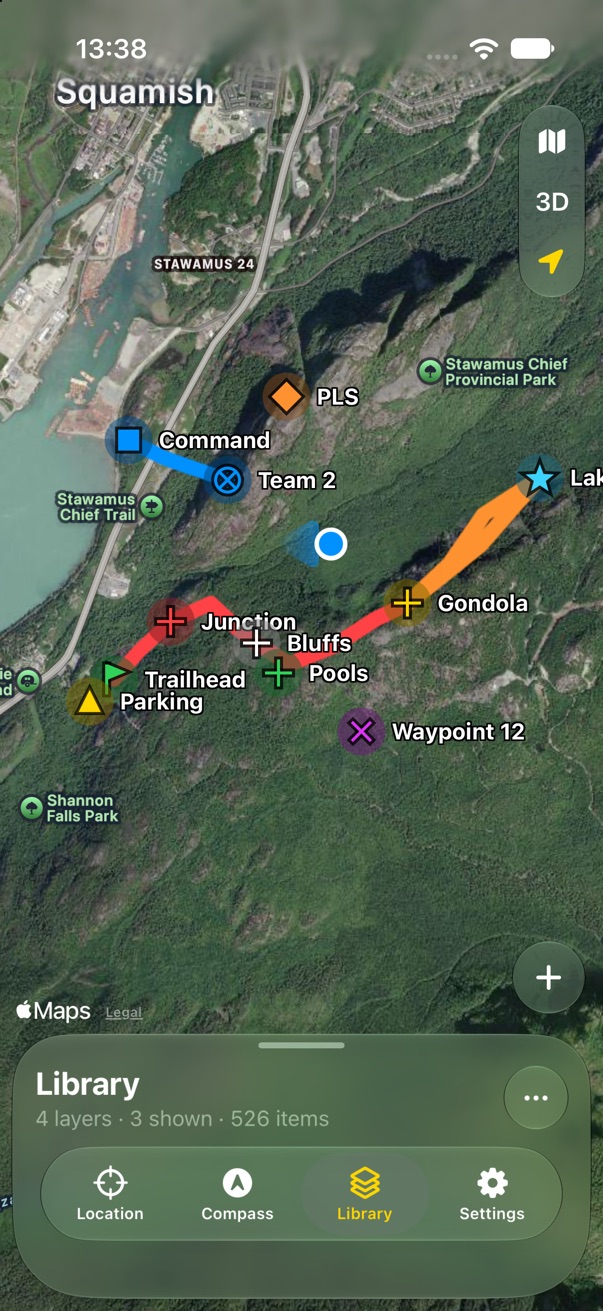
Layout

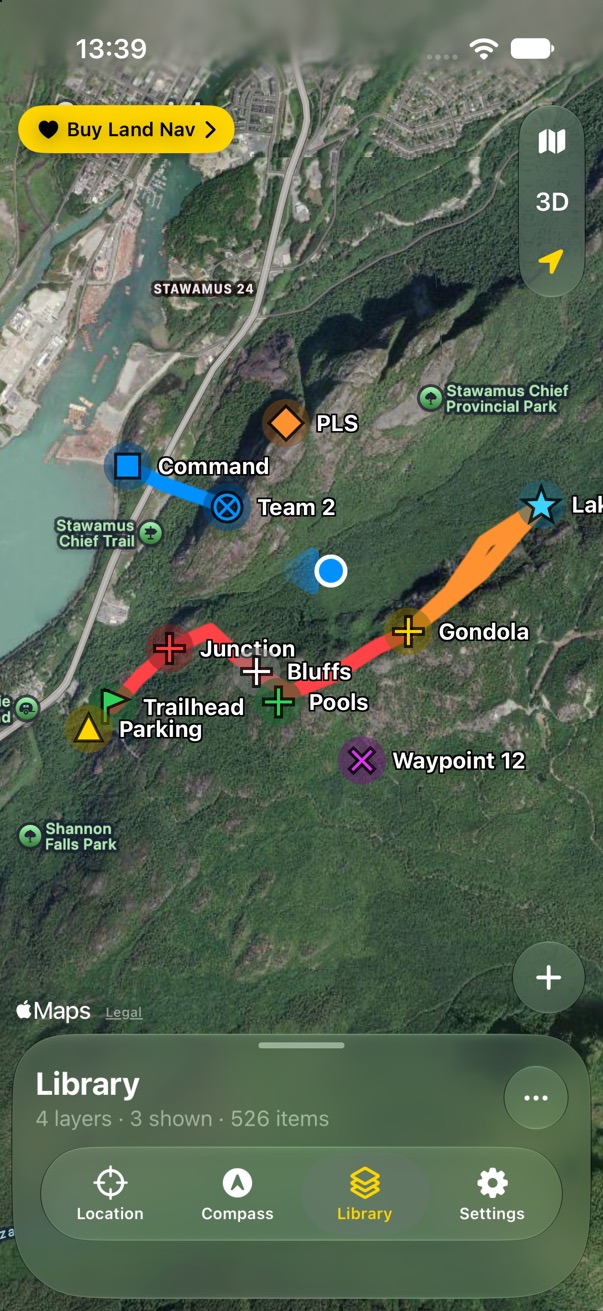
One map always on screen, one panel over it, and four tabs inside the panel.

These screens are from a working mockup with made-up data around Squamish, BC. Tap any picture to see it big; the arrow keys page through the section.

What's new

One map

One map

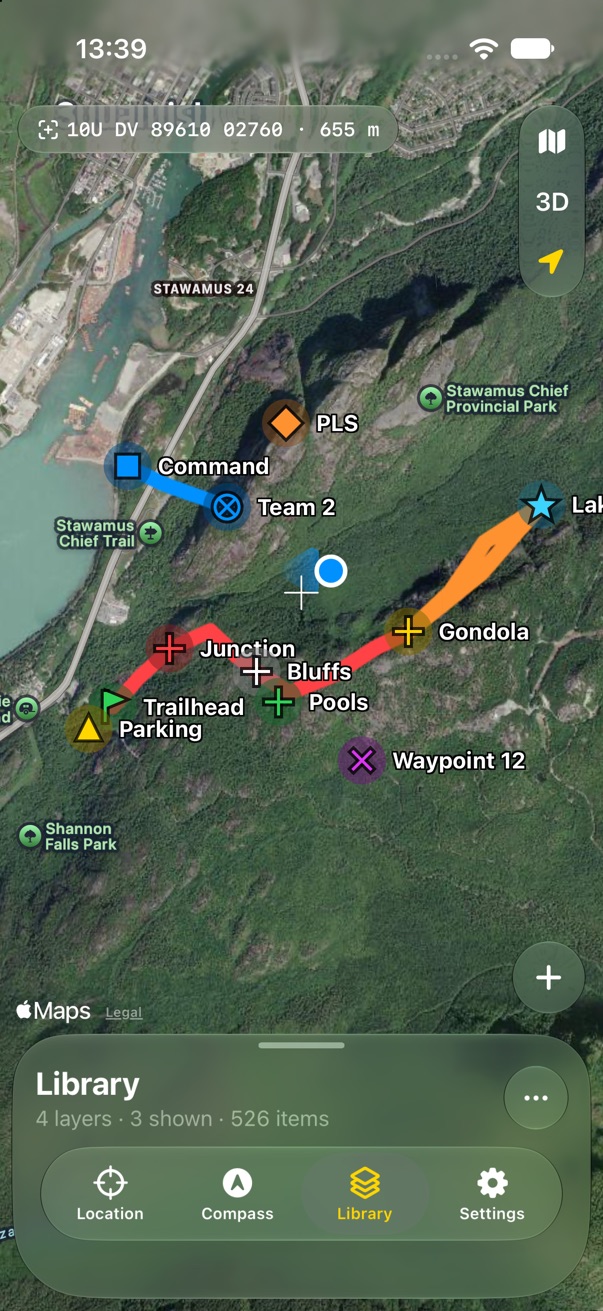
Always on screen. Every layer you show draws on it at once; there are no separate maps to open.
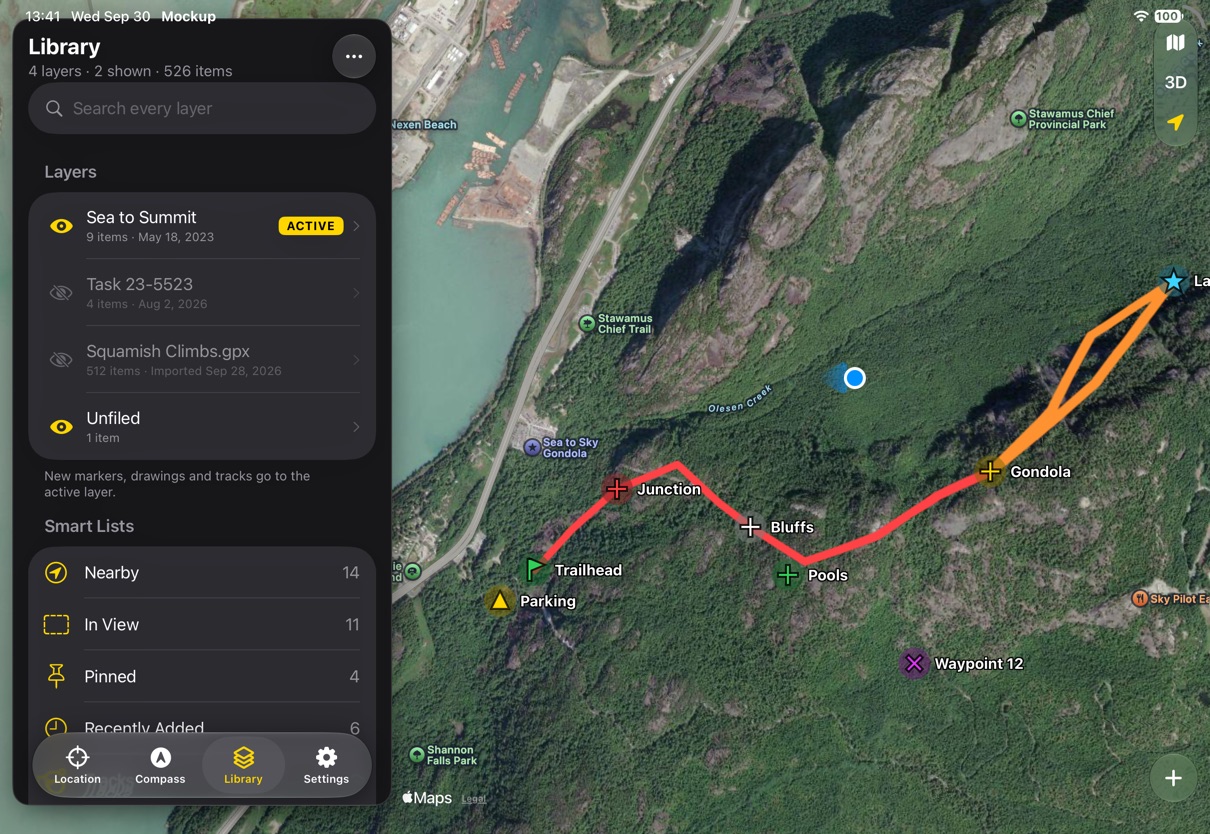
One panel

One panel

On iPhone, a sheet over the map with three heights. On iPad and landscape iPhone, a column beside it.
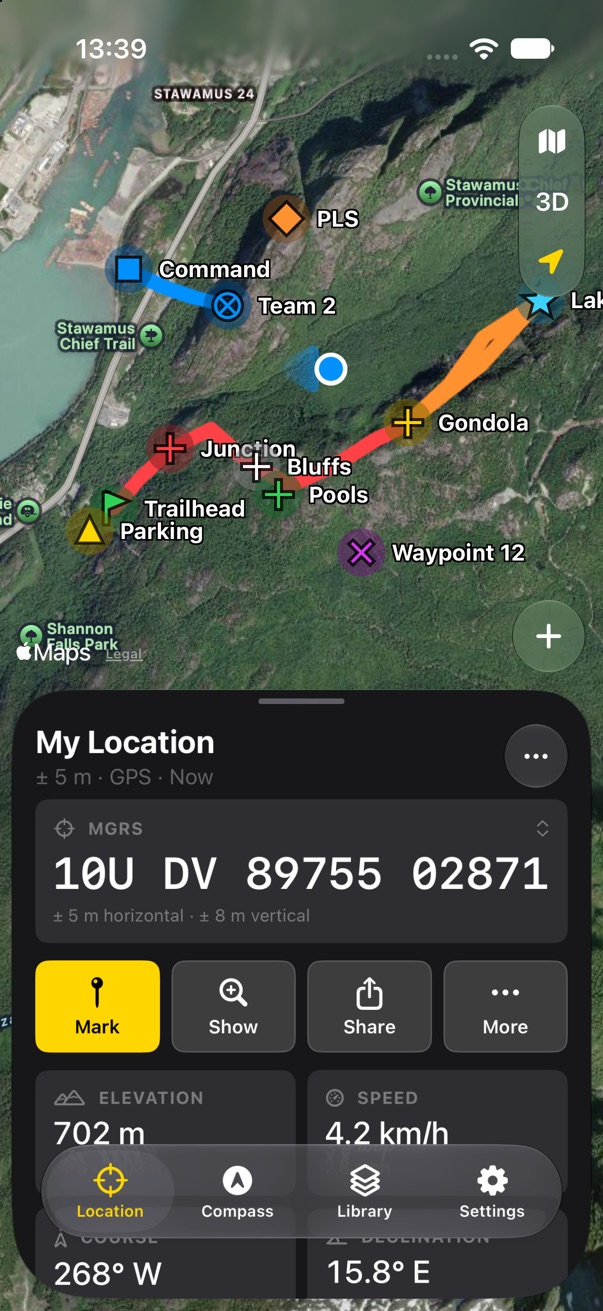
Four tabs, inside the panel

Four tabs, inside the panel

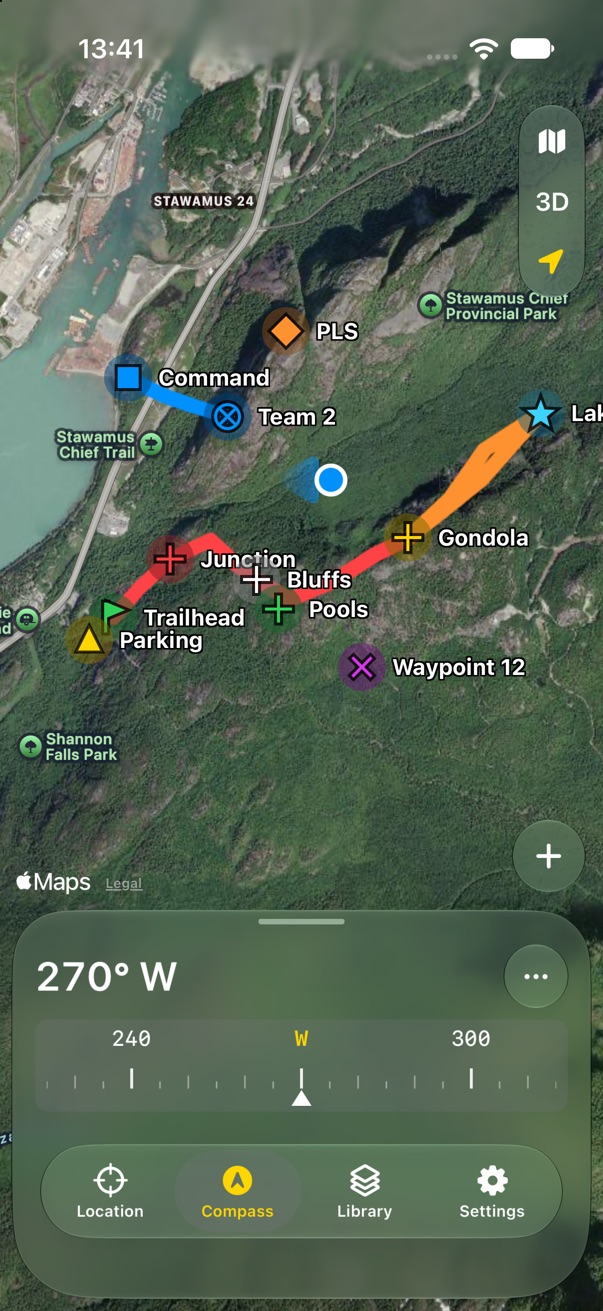
Location, Compass, Library, Settings. The map never goes away when you switch.
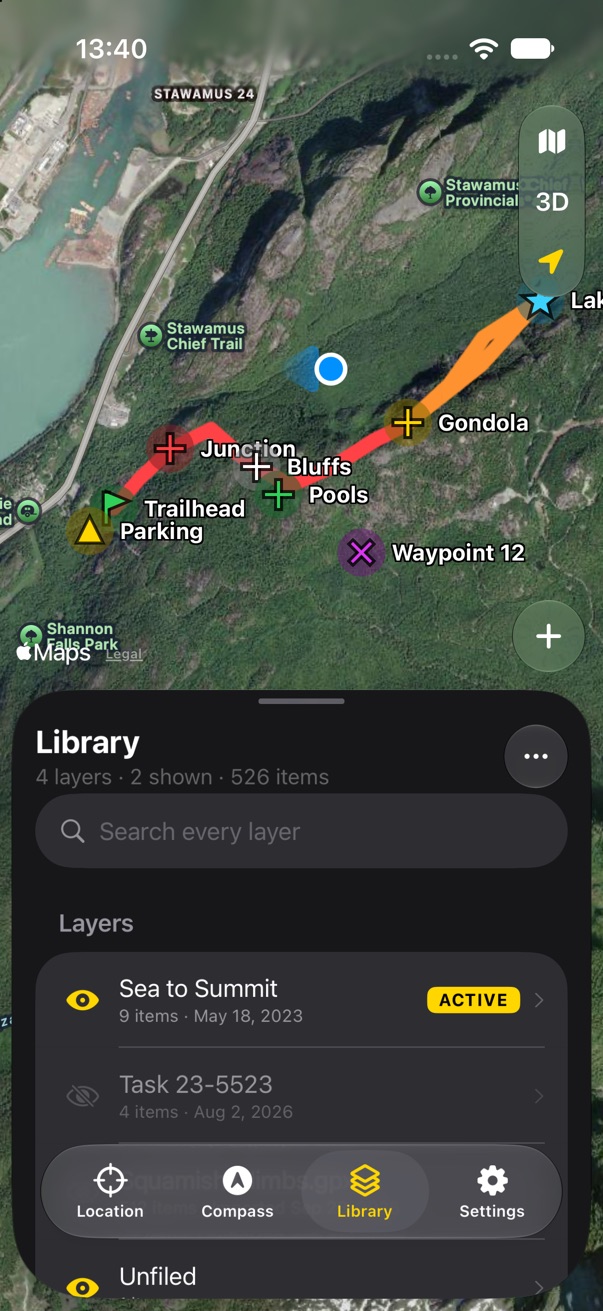
Tabs remember

Tabs remember

Each tab comes back at the height and place you left it.
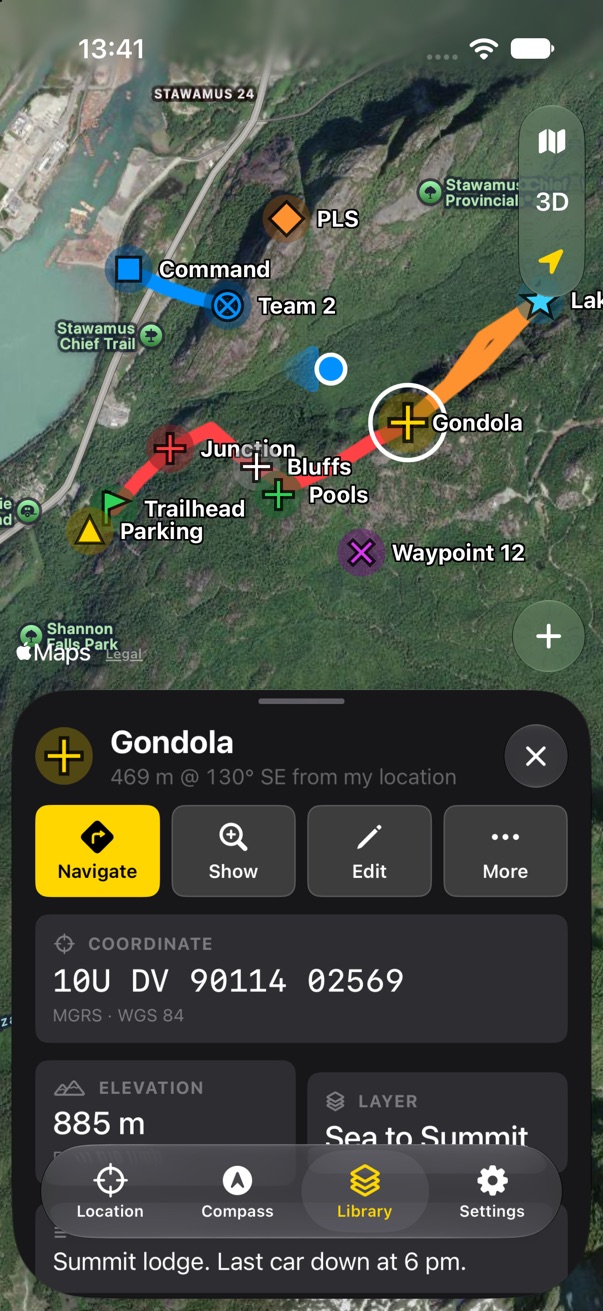
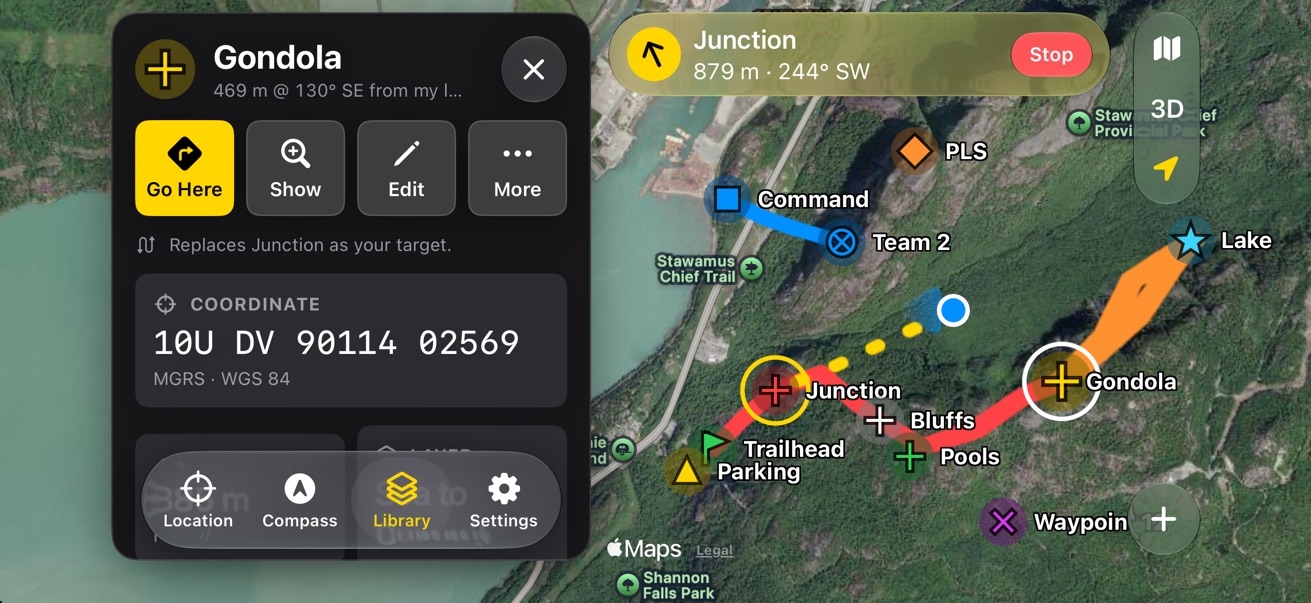
Selected item

Selected item

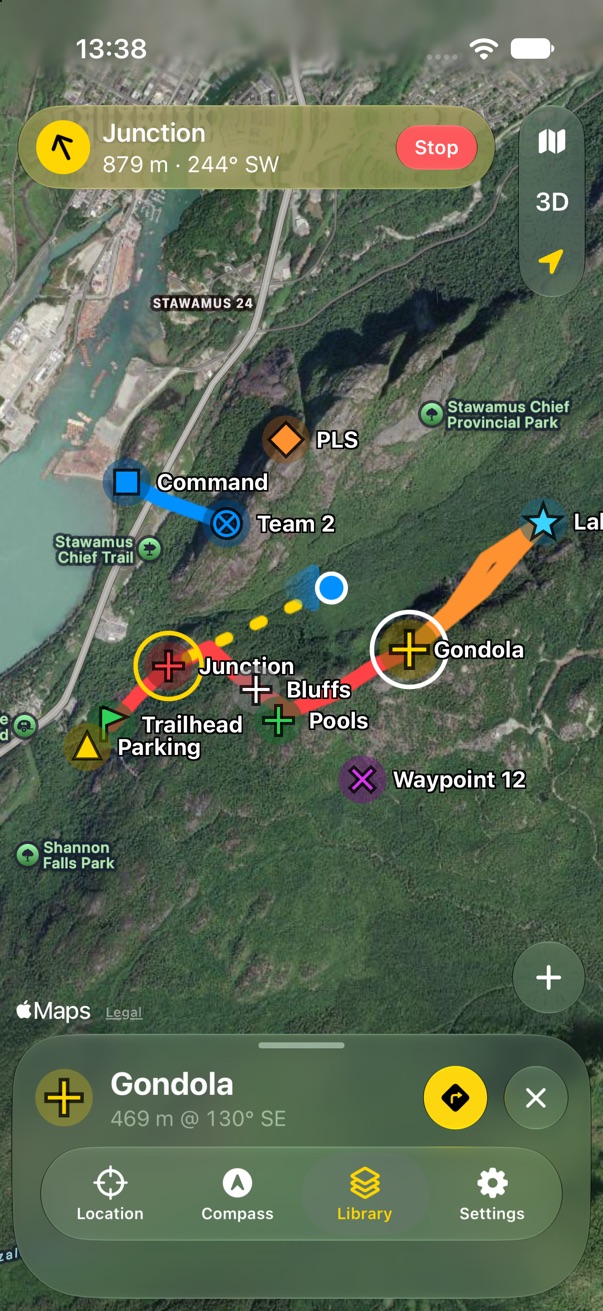
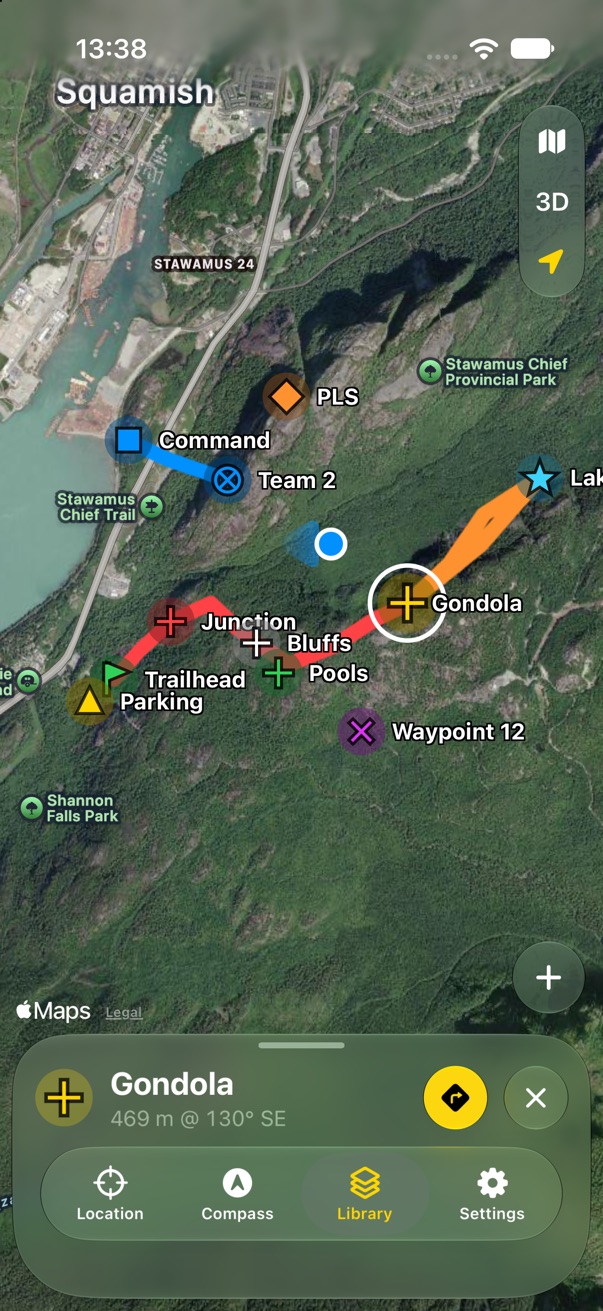
Tap a marker to see it in the panel. A white ring marks it on the map.
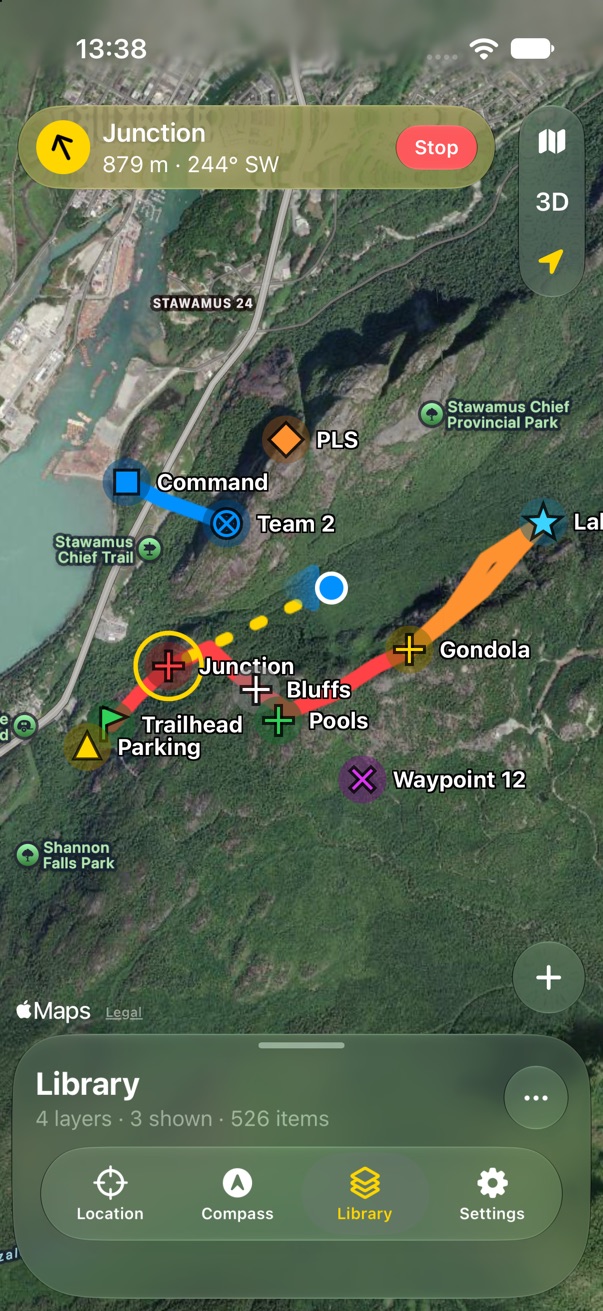
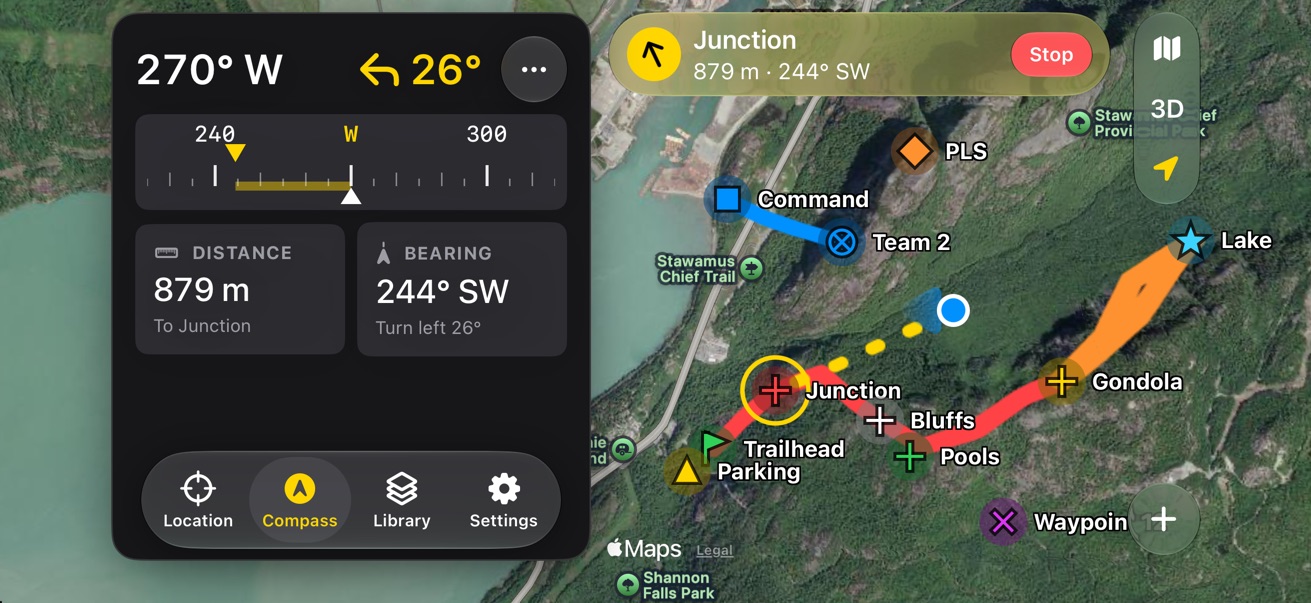
Navigation banner

Navigation banner

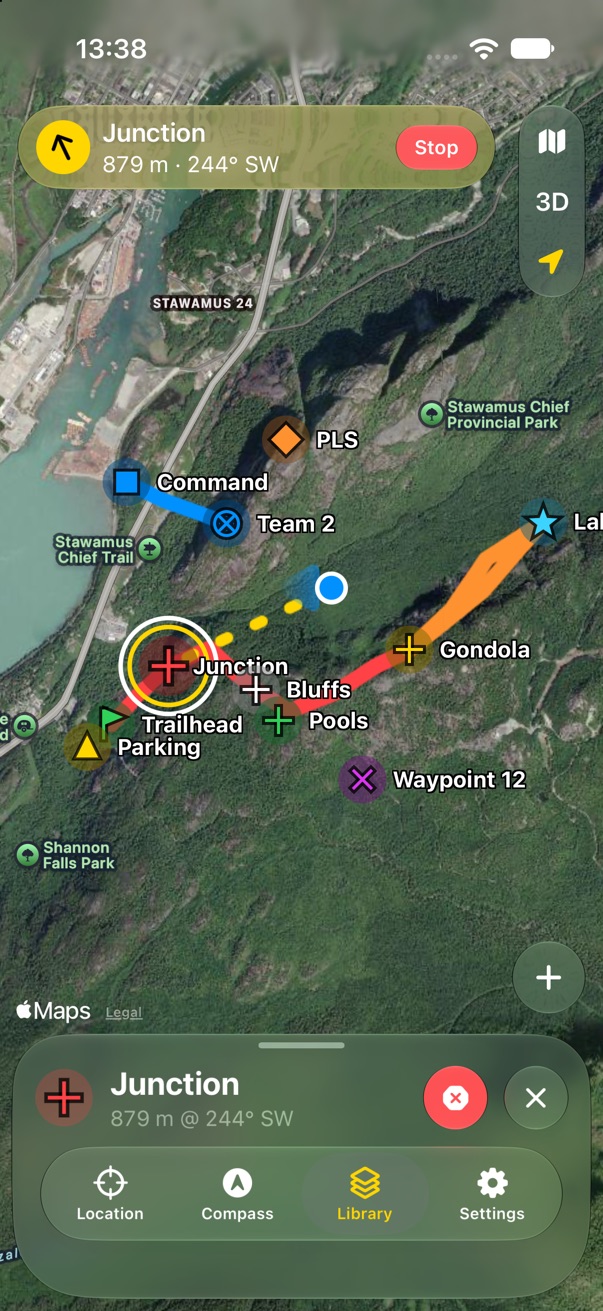
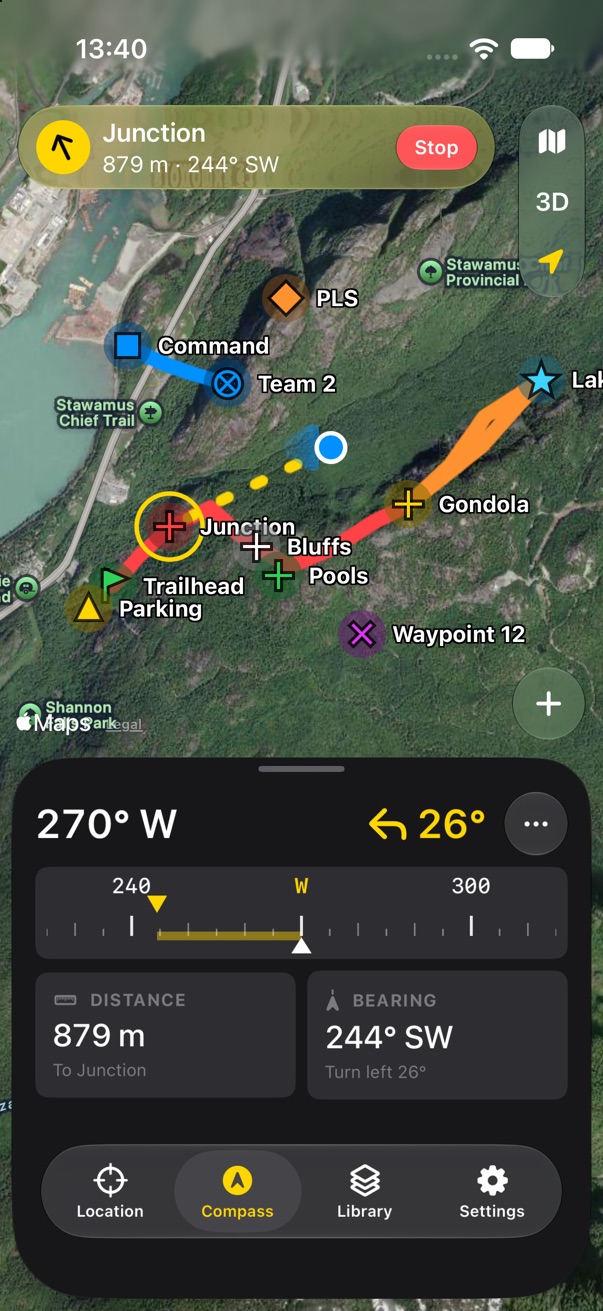
Where you're going, how far and which way, with Stop always one tap away.
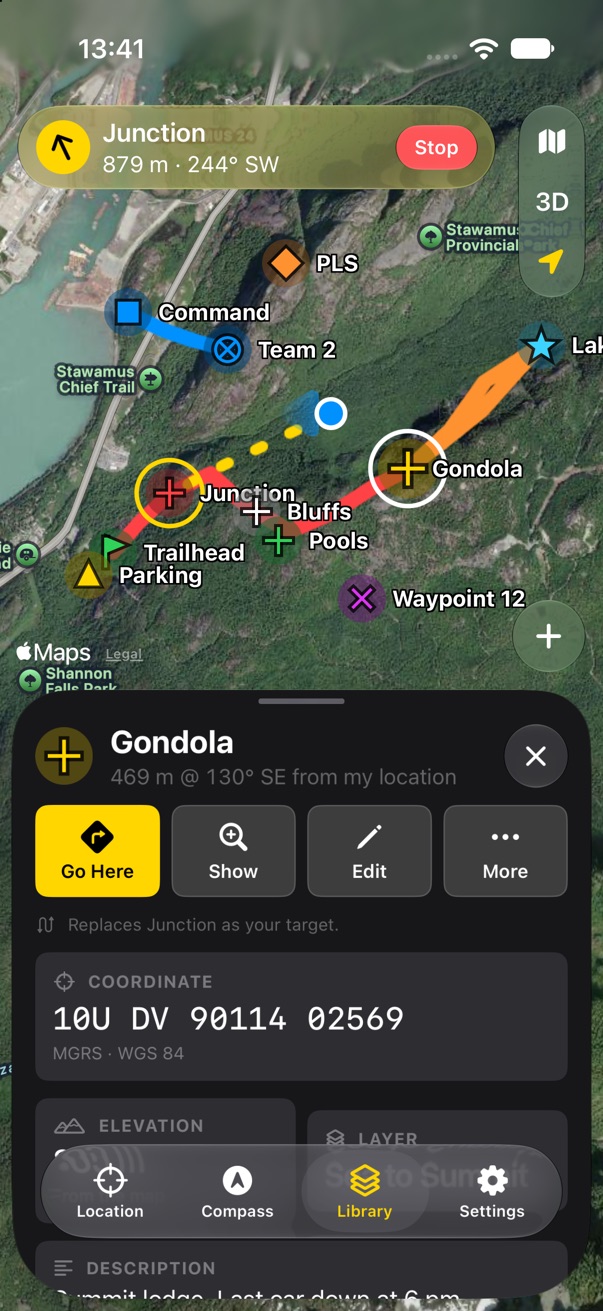
Look while you navigate

Look while you navigate

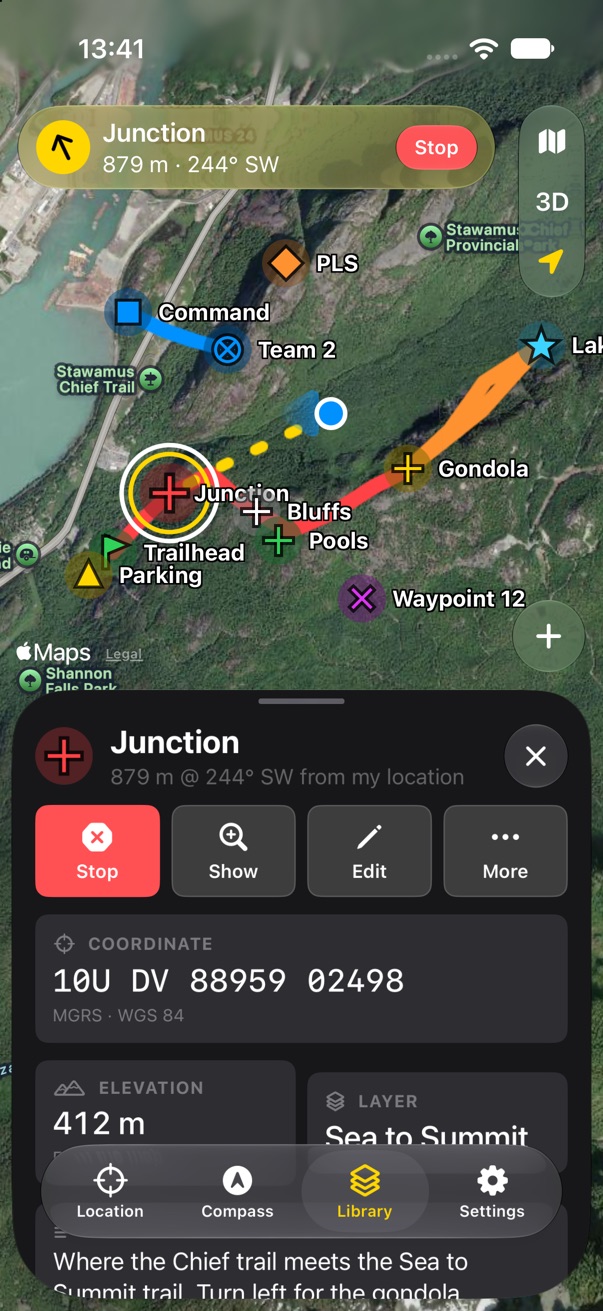
Selecting another marker never changes your target. Go Here switches, and says so.
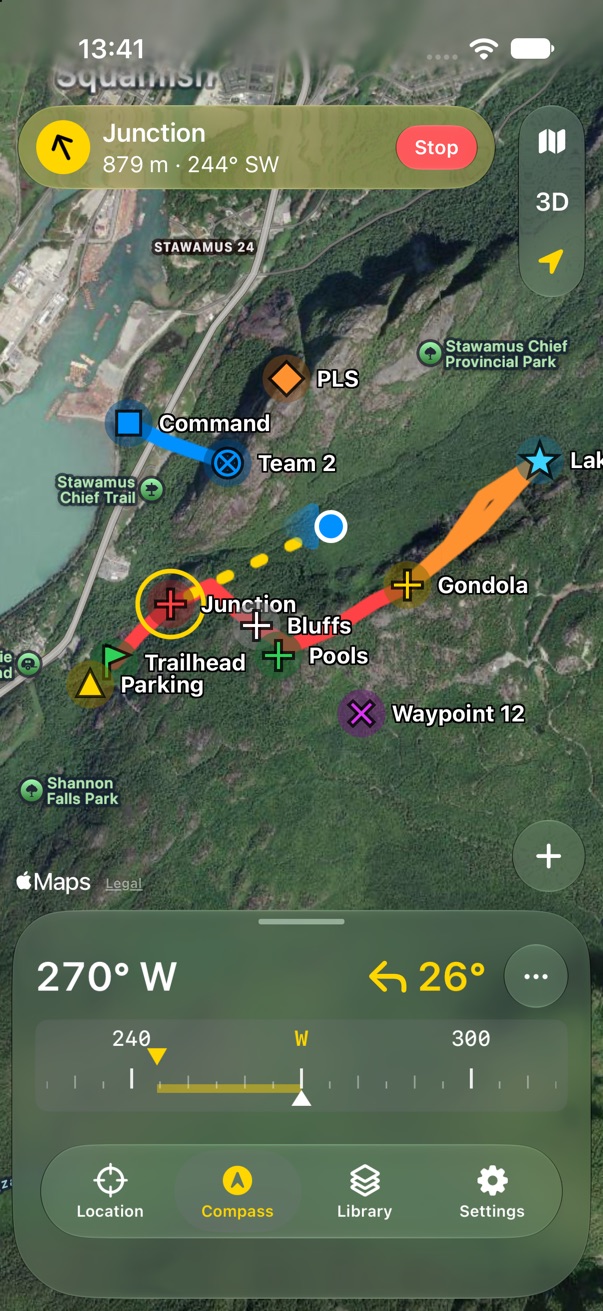
Compass at three sizes

Compass at three sizes

A heading tape beside the map, a row of numbers, or the full rose.
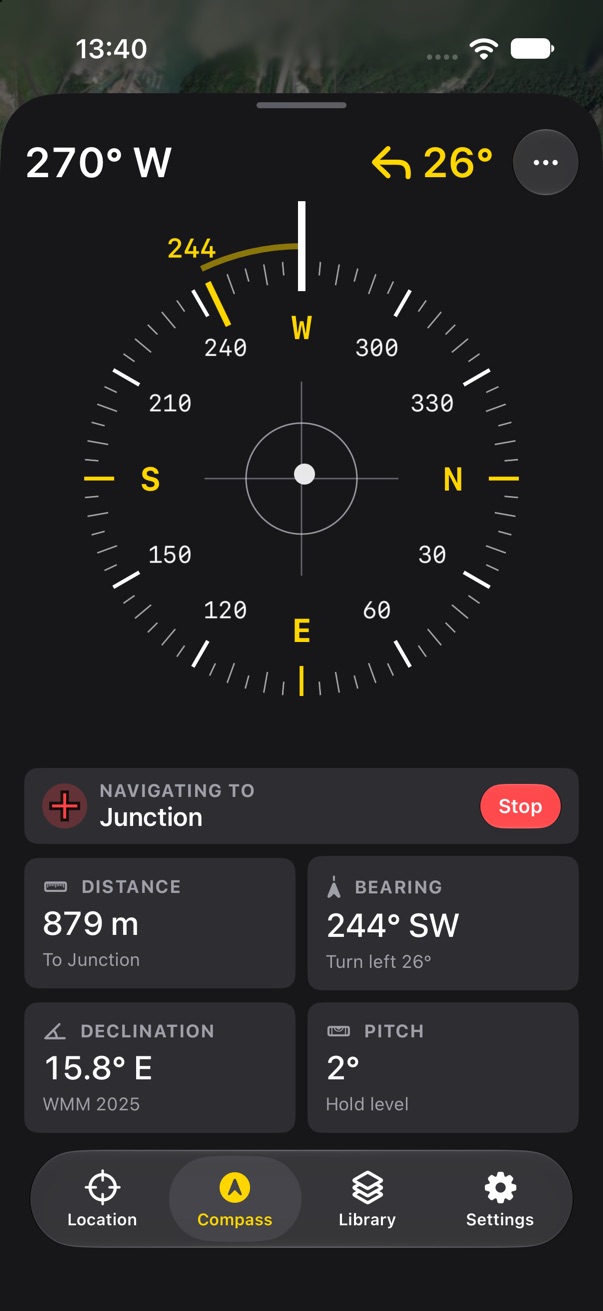
The full compass

The full compass

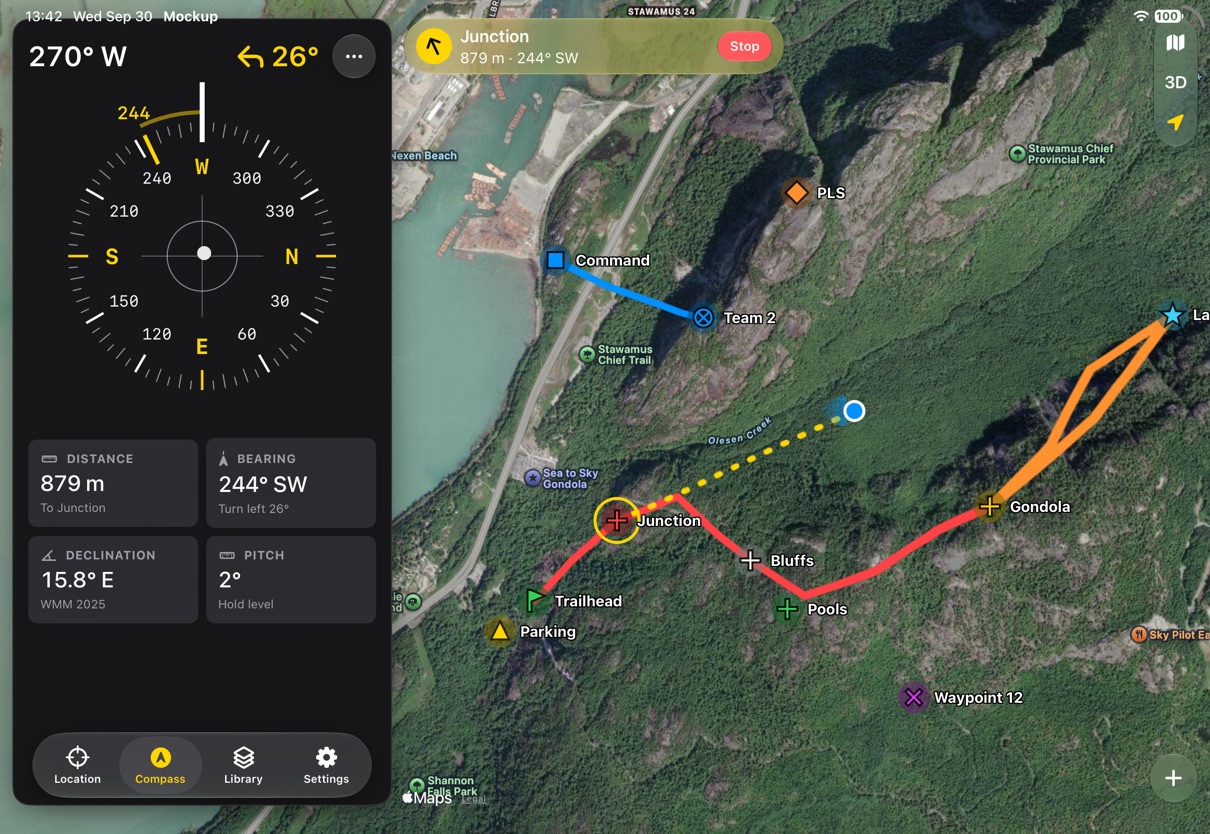
The rose, for reading at arm's length, with distance, bearing and declination.
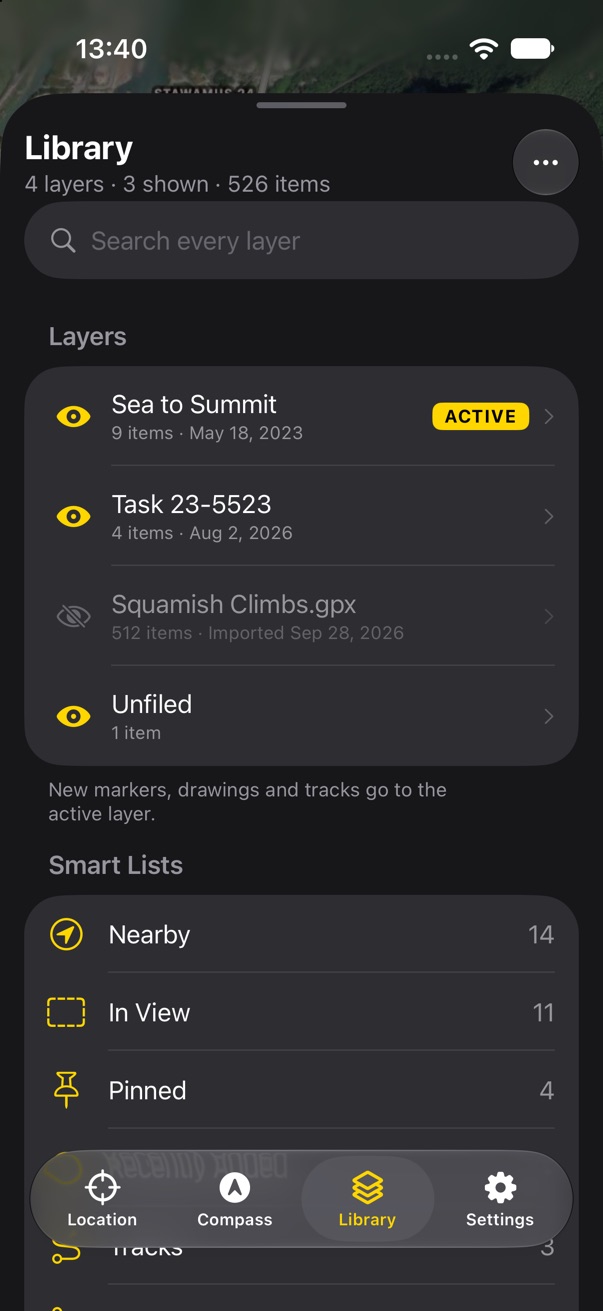
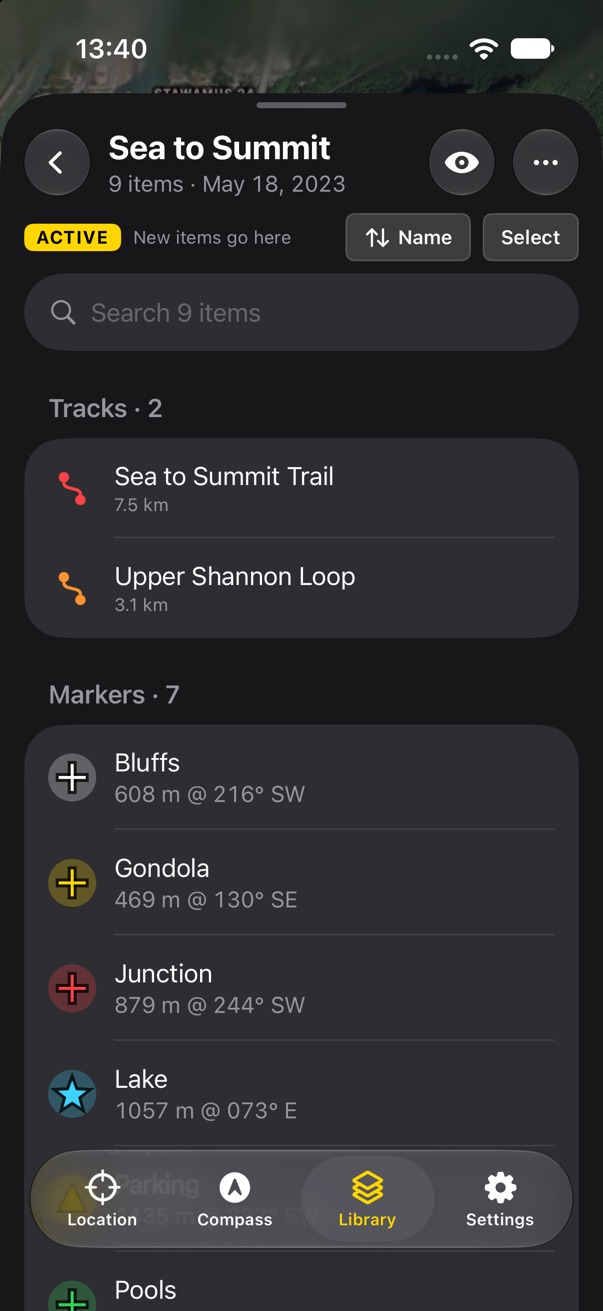
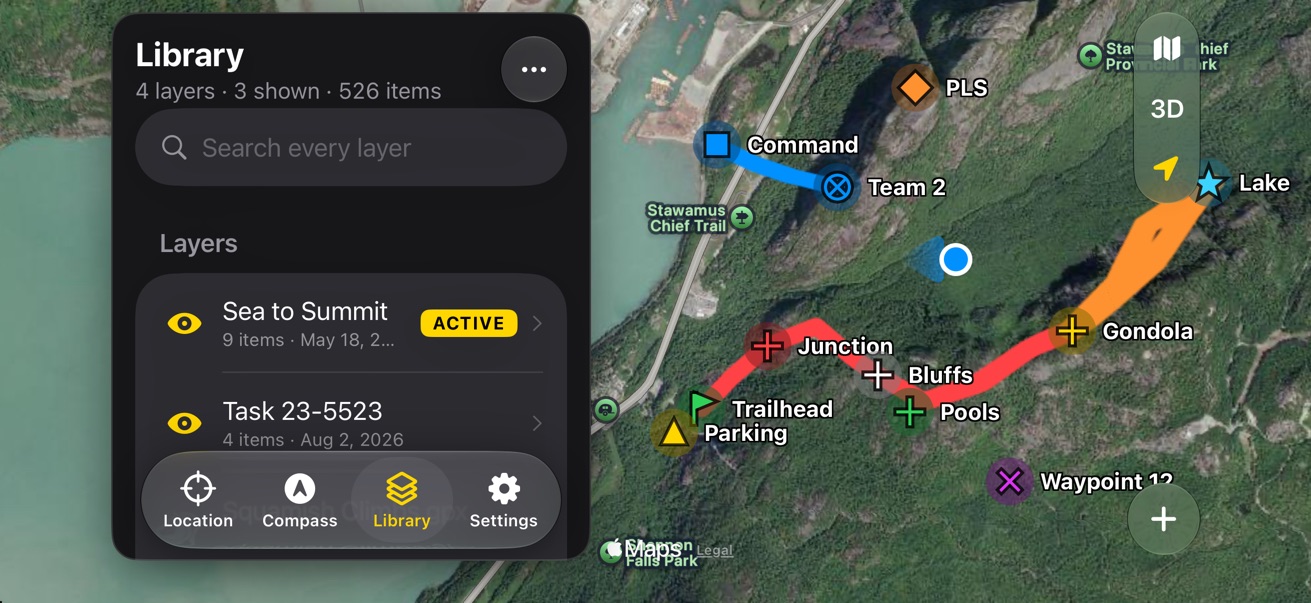
Active layer

Active layer

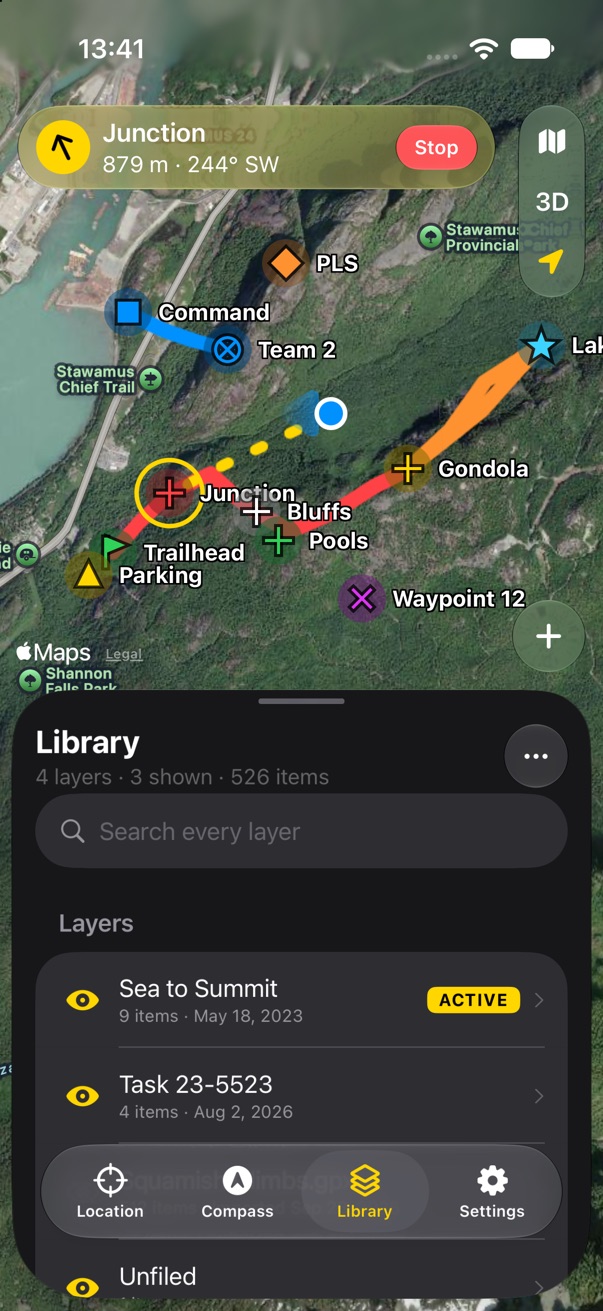
One layer gets everything new, and the Library shows which.
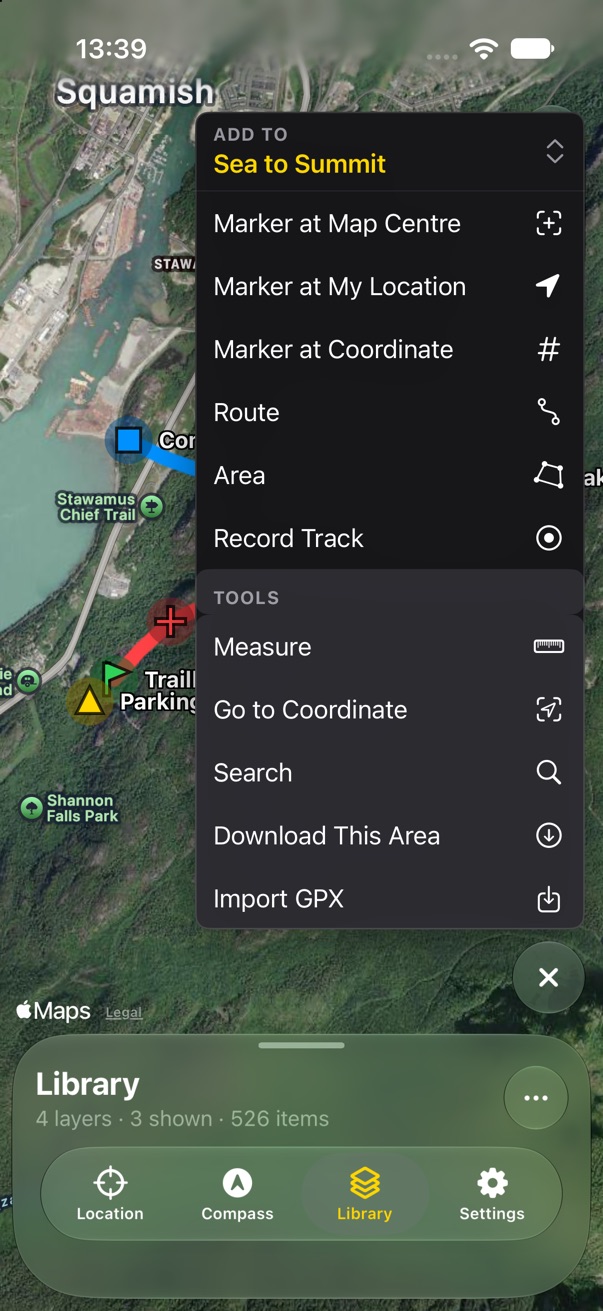
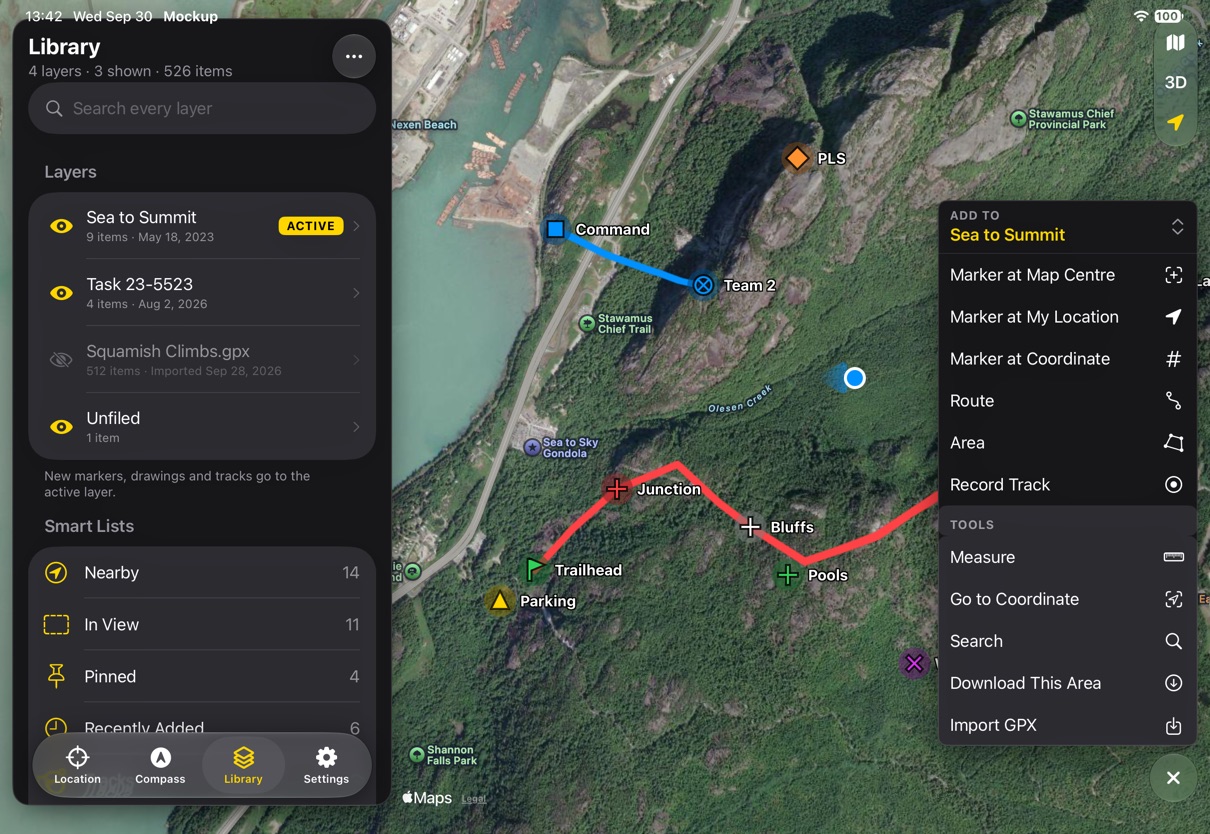
One place to add

One place to add

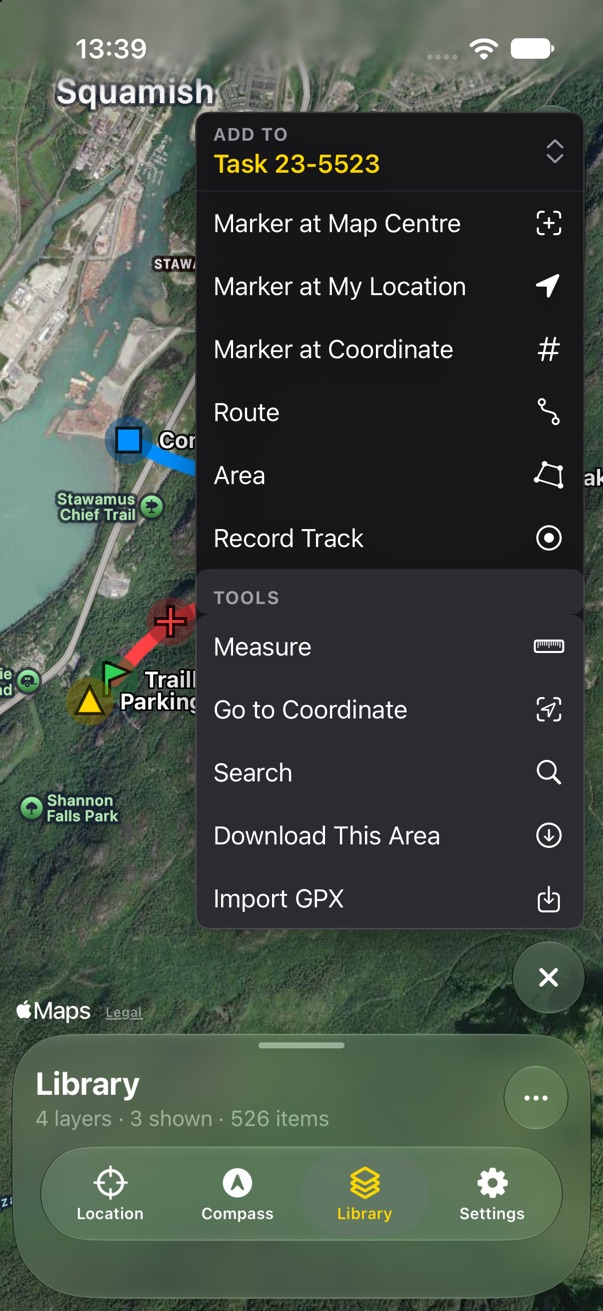
The plus opens everything that starts from the map: markers, routes, areas, tracks and tools.
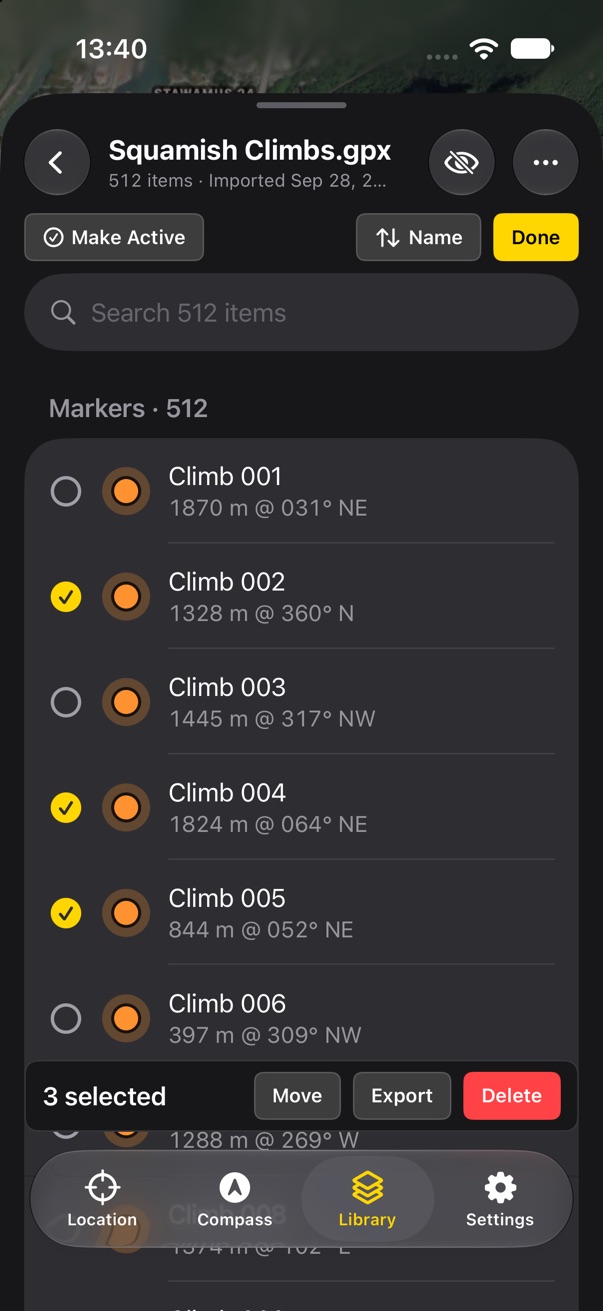
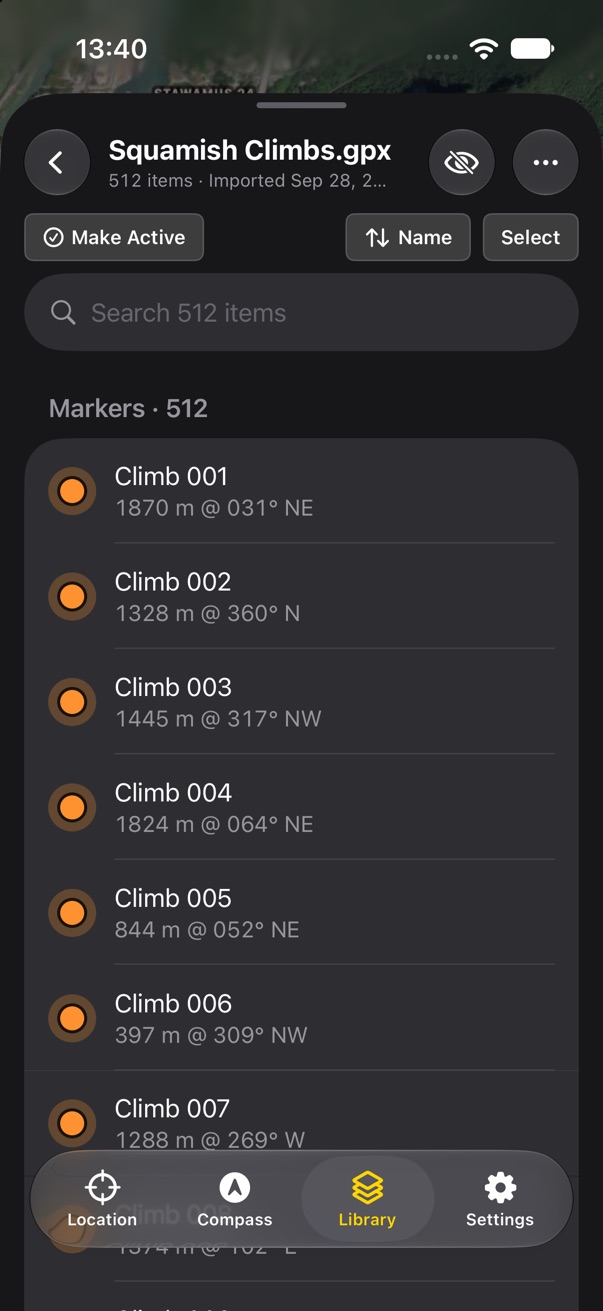
Big imports stay tidy

Big imports stay tidy

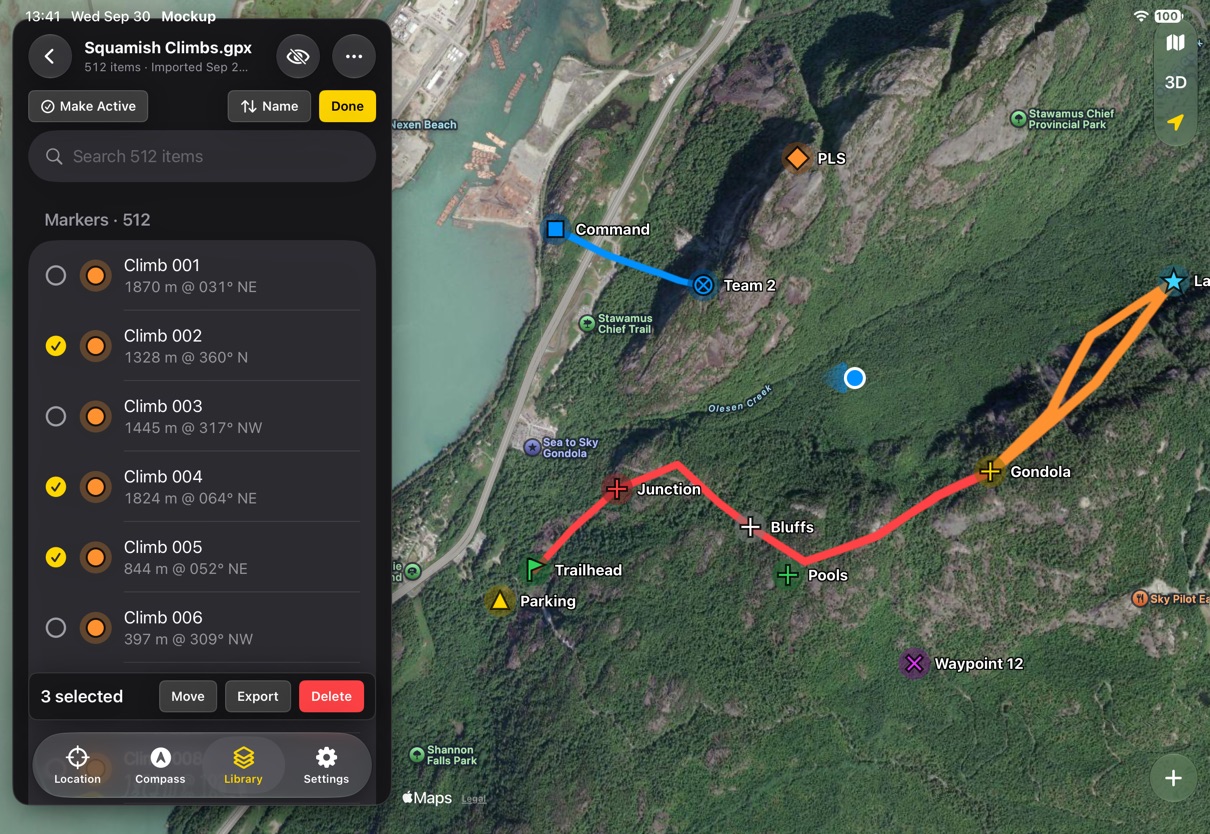
A layer opens in the panel with search, sort and bulk select.
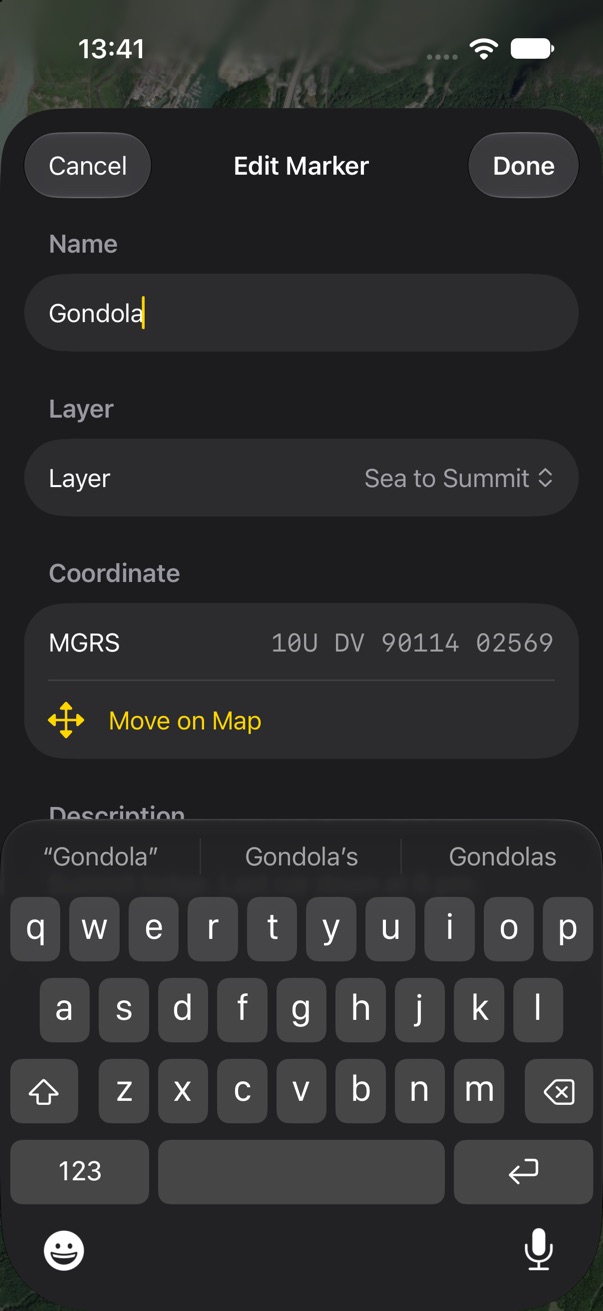
Typing in a sheet

Typing in a sheet

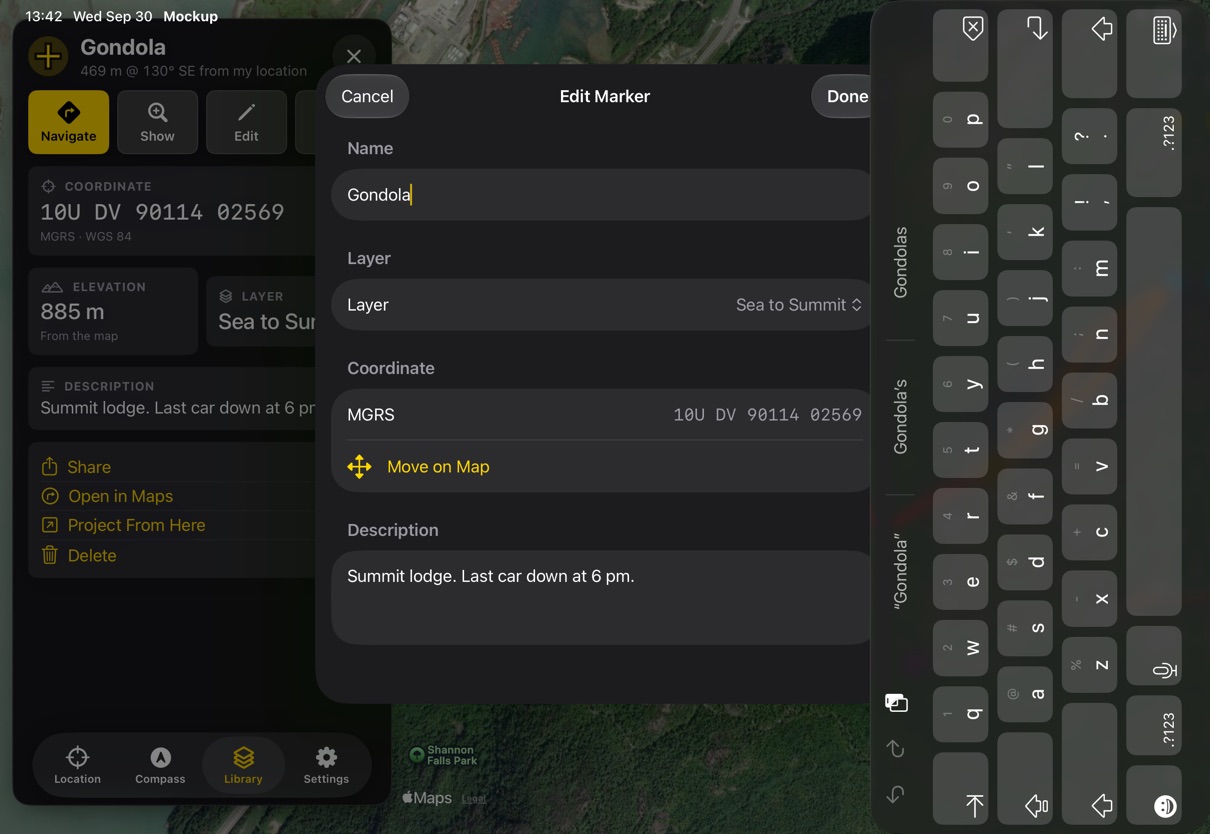
Anything with a keyboard opens over the panel, with Cancel and Done.
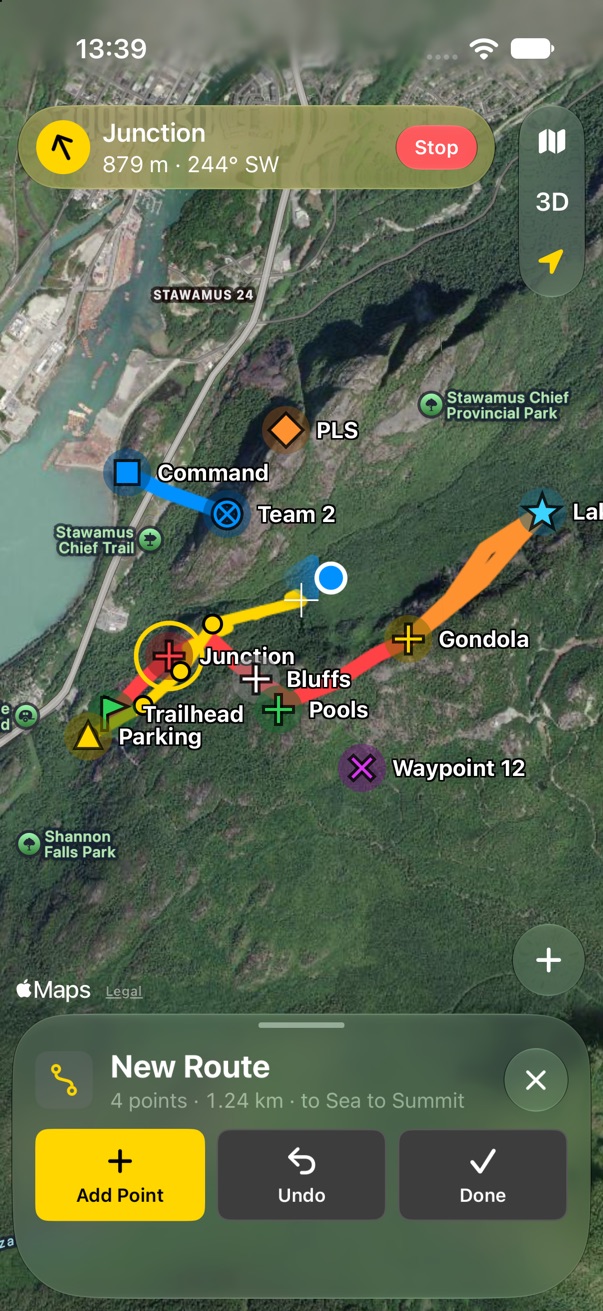
Drawing on the map

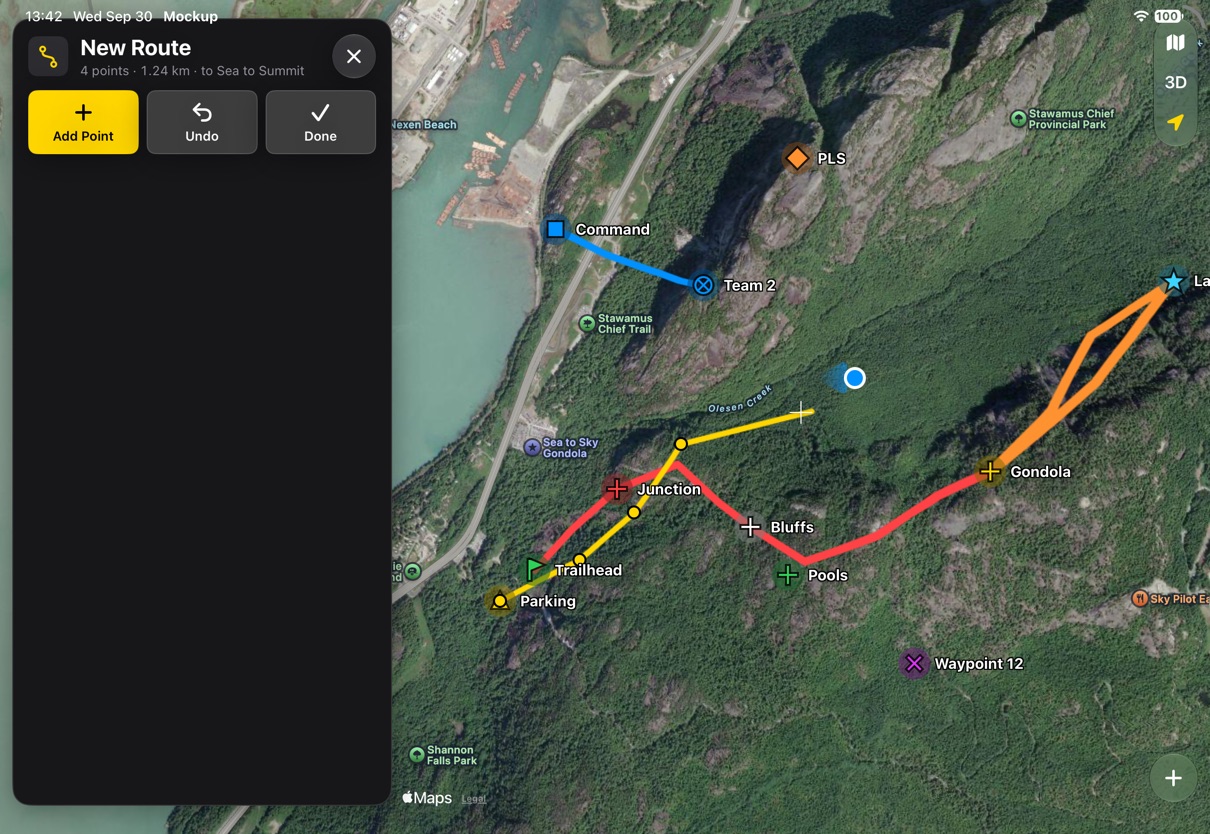
Drawing on the map

Routes and areas are drawn on the map as it is. The panel stays small until Done.
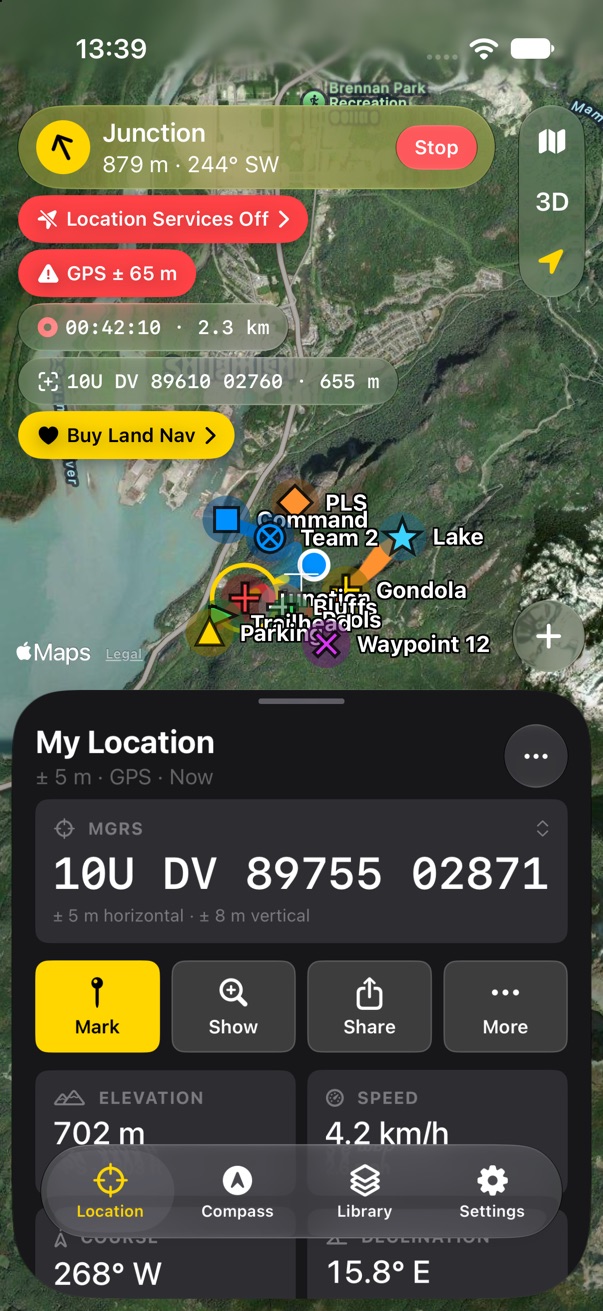
Notices that want to go away

Notices that want to go away

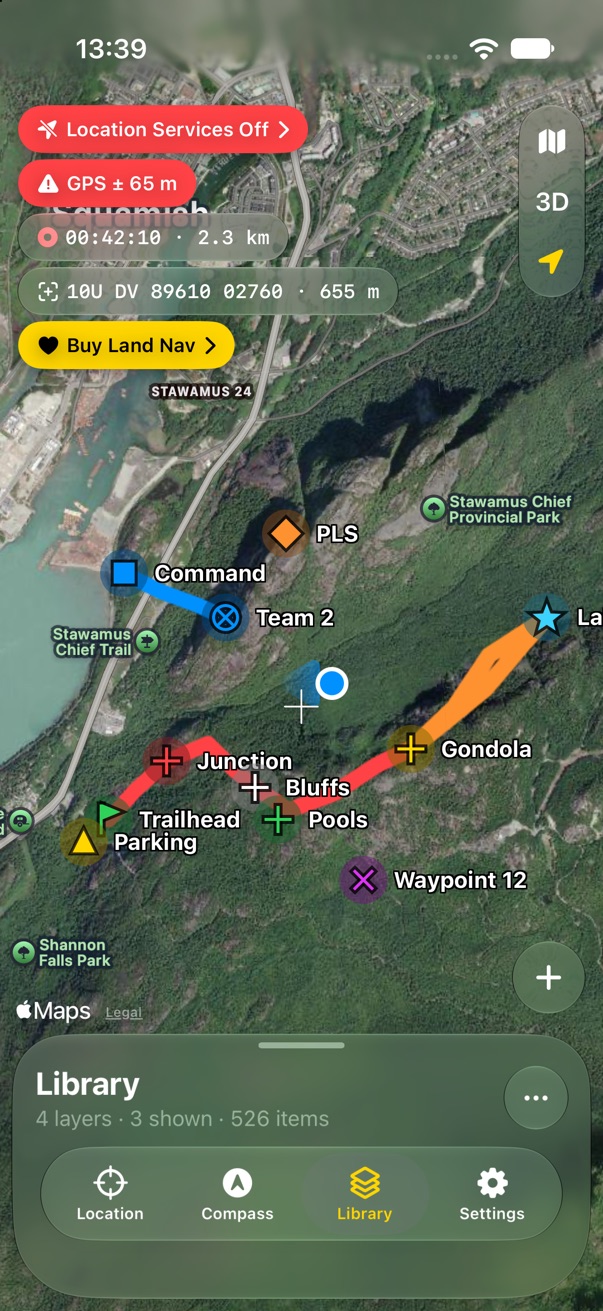
Location off, poor GPS and the Buy reminder are loud. Recording and the map centre are quiet.
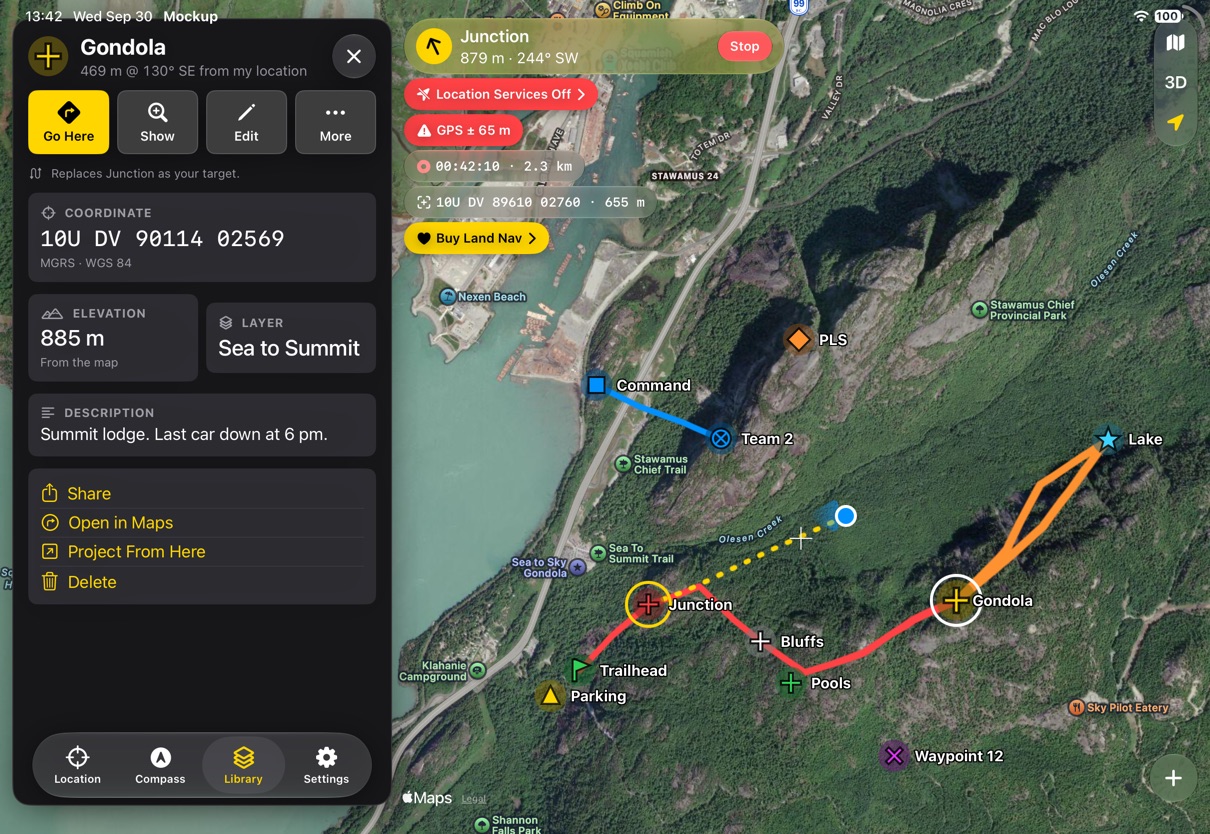
Landscape and iPad

Landscape and iPad

The same panel as a column, so the map gets the rest of the screen.
Map and navigation

Smallest height
Smallest height
Item selected
Item selected
Navigating
Navigating
Navigating, another item selected
Navigating, target selected
Item at half while navigating
Target at half
Target at half

Notices and the plus

Map centre badge
Map centre badge
Buy badge
Buy badge
Every badge
Every badge
Every badge while navigating
The plus menu
The plus menu
The plus menu, another active layer
Drawing a route
Drawing a route

Tabs

My Location
My Location
Compass tape
Compass tape
Compass tape, navigating
Compass, half
Compass, half
Compass rose
Compass rose
Settings, half
Settings, half
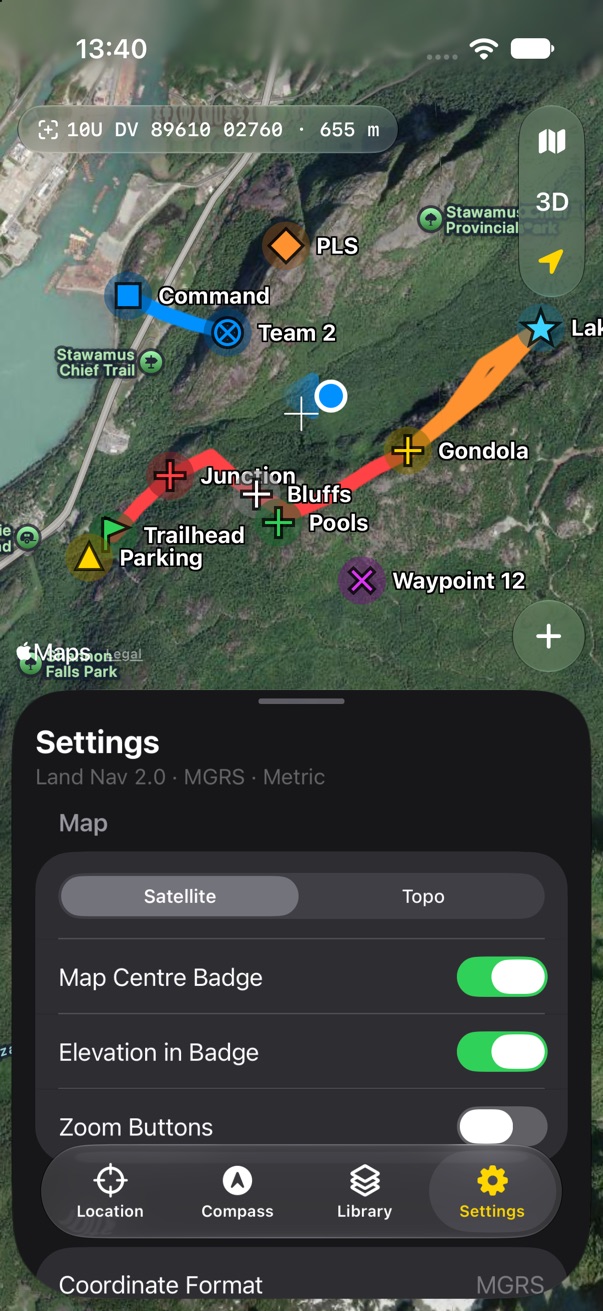
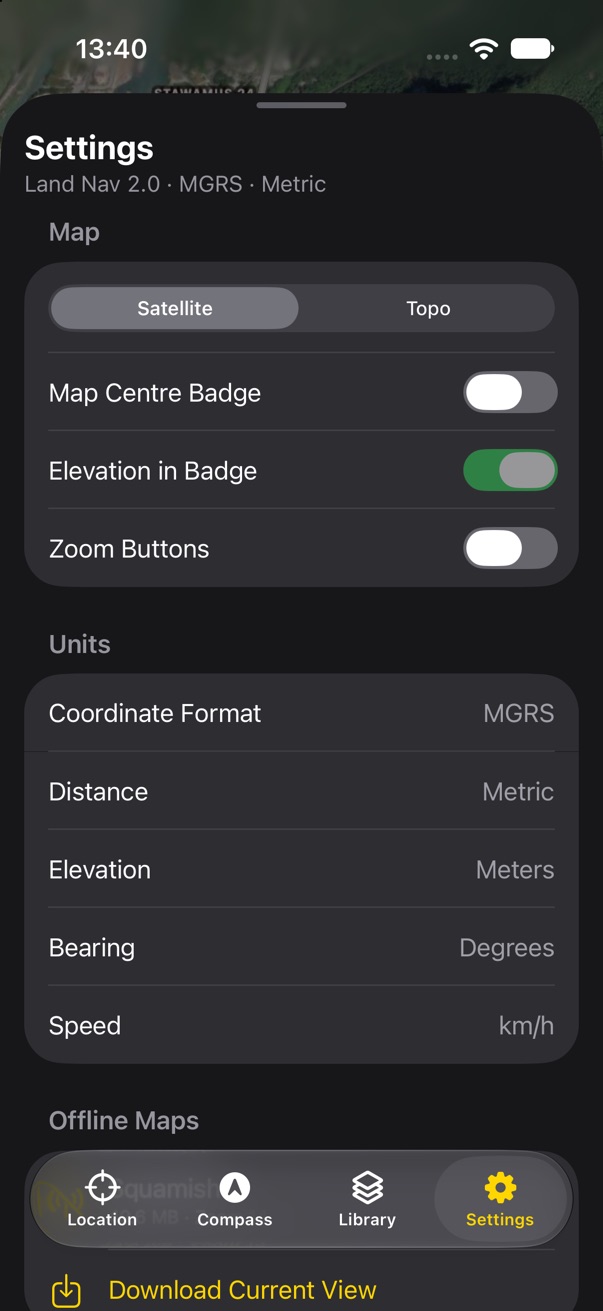
Settings
Settings

Library

Library
Library
Library at half, a layer hidden
Library while navigating
A layer
A layer
A 512-item import
A 512-item import
Bulk select
Bulk select
Item
Item
Editing in a sheet
Editing in a sheet

iPad and landscape iPhone

iPad: Library
iPad: Library
iPad: item, every badge
iPad: bulk select
iPad: bulk select
iPad: the plus menu
iPad: the plus menu
iPad: compass
iPad: compass
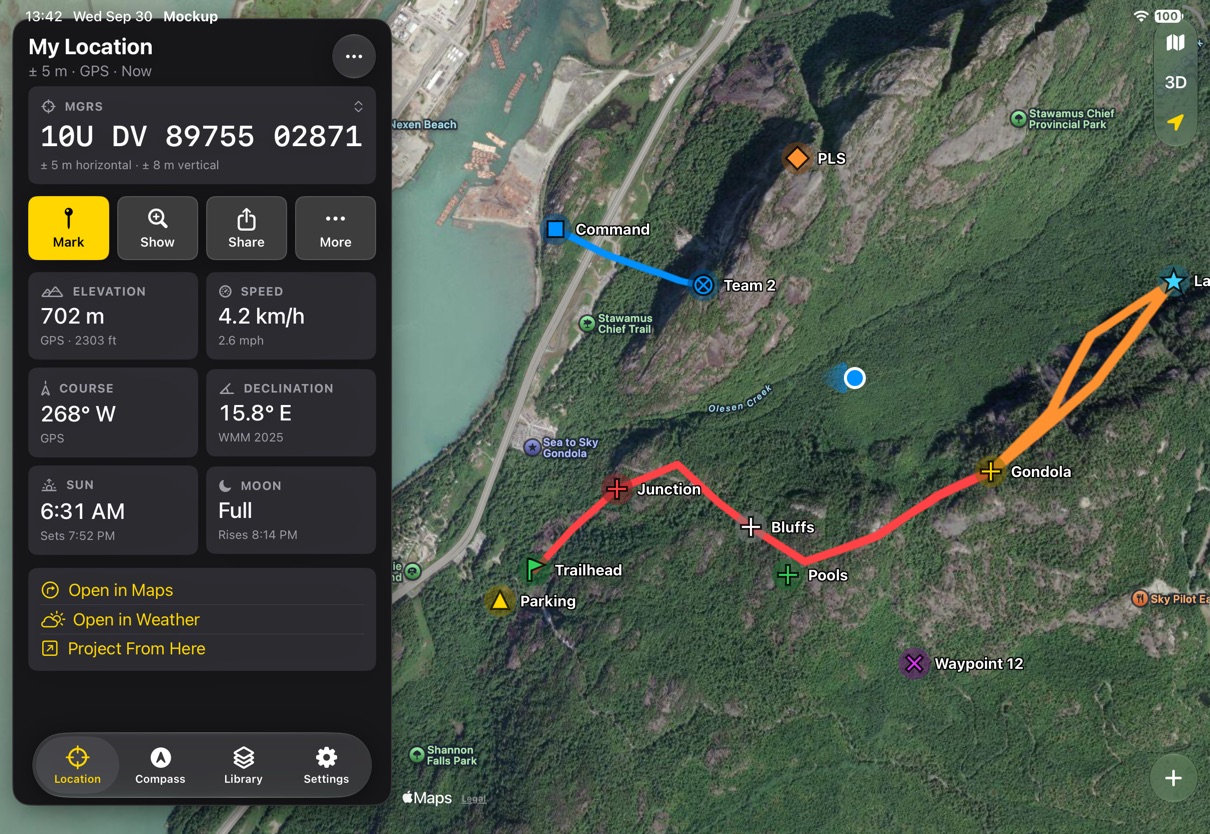
iPad: My Location
iPad: My Location
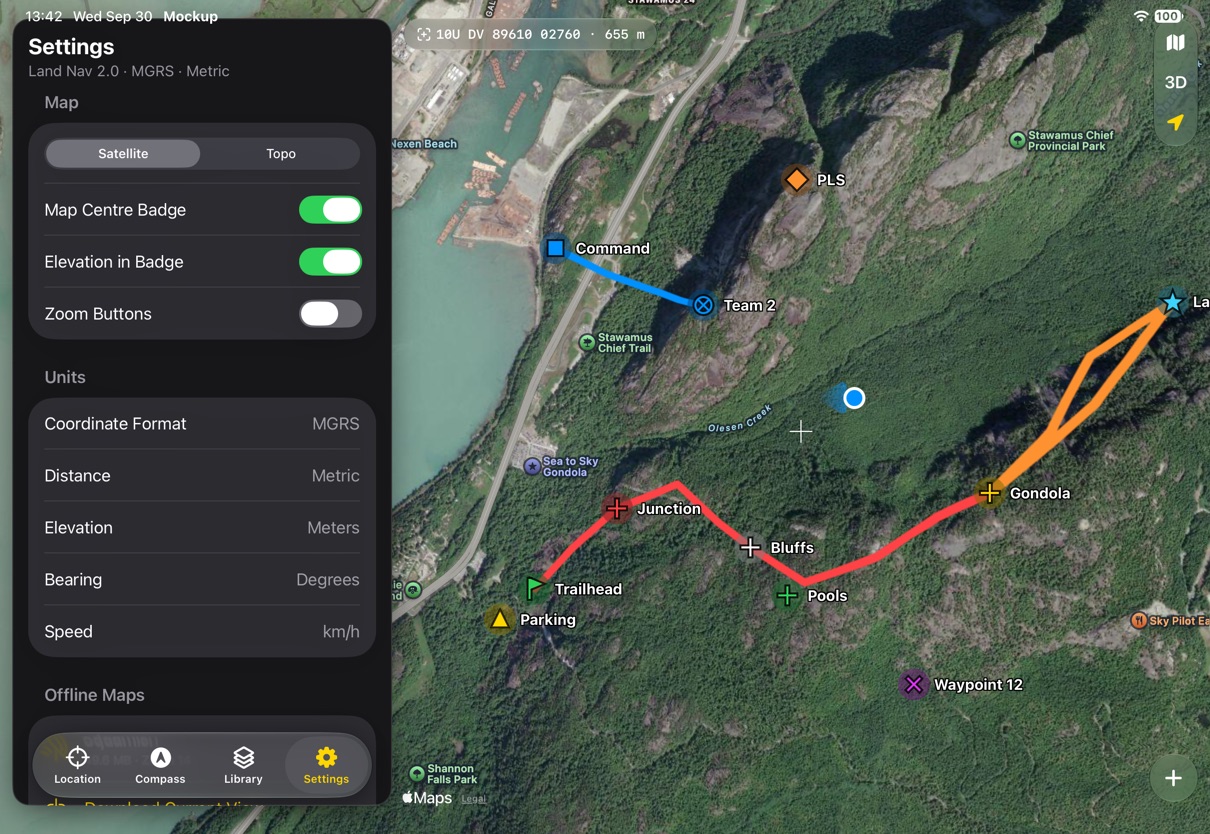
iPad: Settings
iPad: Settings
iPad: editing
iPad: editing
iPad: drawing
iPad: drawing
Landscape iPhone: compass keeps the tape
Landscape iPhone: Library
Landscape iPhone: item

Land Nav 2 • Send Feedback • Land Nav 1 • © 2026 Gerry Shaw